In an era dominated by subscription models, consolidated corporate data centers, and opaque cloud conglomerates, a counter-movement is quietly thriving. Self-hosting—the practice of running your own software applications, services, and infrastructure on local hardware rather than relying on third-party remote servers—has evolved from a niche hobby for sysadmins into a mainstream movement for privacy advocates, developers, and tech enthusiasts. By understanding what is self hosting private cloud guide principles, you reclaim absolute control over your digital footprint.
Understanding Self-Hosting and the Private Cloud
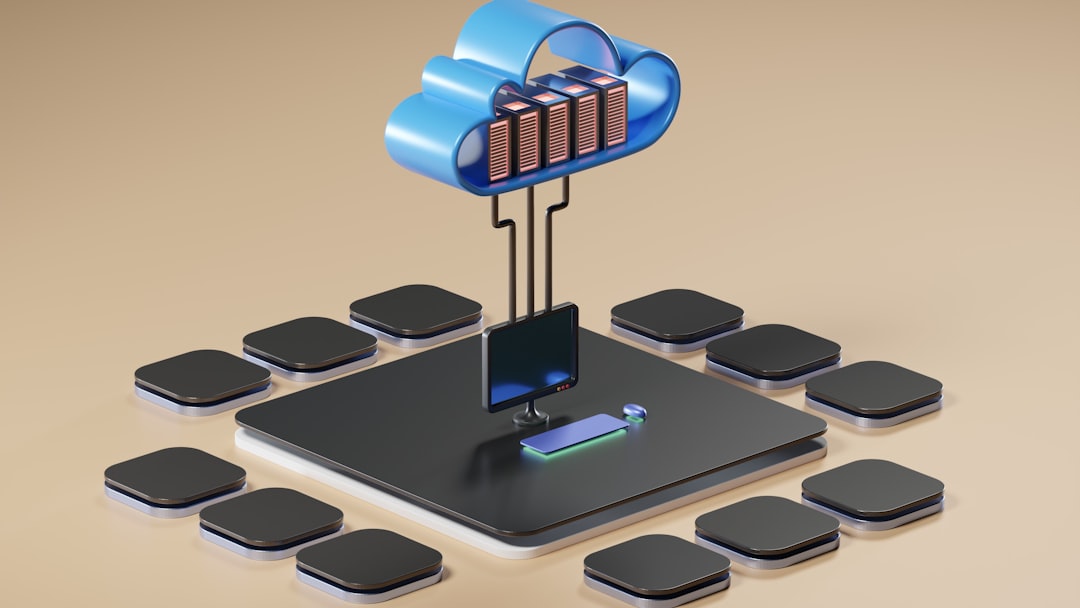
At its core, self-hosting means replacing commercial Software-as-a-Service (SaaS) tools with open-source alternatives that you host yourself. Instead of storing your family photos on a public cloud provider, you host an instance of Immich or Nextcloud on a localized server running in your basement or office closet. This setup is frequently referred to as building a private cloud.
Unlike public clouds managed by major technology conglomerates, a private cloud gives you exclusive access to the physical storage layer, the networking stack, and the application configuration. You dictate how data is encrypted, where backups are mirrored, and who has permissions to access the system.
Why Build a Private Cloud? Core Benefits
Transitioning away from centralized cloud infrastructure offers several distinct architectural, financial, and privacy advantages:
- Data Sovereignty and Privacy: Your data never traverses third-party servers. Telemetry collection, behavioral tracking, and unauthorized data mining for advertising are entirely eliminated.
- Cost Predictability: While upfront hardware costs exist, self-hosting frees you from perpetual monthly subscription fees that compound over time.
- Resilience and Offline Availability: A private cloud functions seamlessly on your local area network (LAN) even if your primary internet service provider goes offline.
- Customization and Extensibility: You retain root access to your environments, allowing you to tweak configurations, integrate custom APIs, and automate workflows without platform restrictions.
Essential Hardware and Software Foundations
You do not need an enterprise-grade rackmount server to begin your self-hosting journey. In fact, many practitioners start with repurposed hardware or low-power single-board computers.
Hardware Options
- Mini PCs: Compact desktop units featuring modern multi-core processors (such as Intel N100 or AMD Ryzen chips) offer high performance, low idle power consumption, and ample RAM capacity.
- Refurbished Business Desktops: Retired corporate workstations from Dell, HP, or Lenovo provide exceptional value, robust build quality, and easy expandability for multiple hard drives.
- Network-Attached Storage (NAS) Devices: Dedicated storage enclosures from brands like Synology, QNAP, or custom TrueNAS builds combine high-capacity storage arrays with virtualization capabilities.
The Modern Self-Hosting Stack
Modern self-hosting relies heavily on containerization to keep applications isolated, secure, and easy to deploy. The standard workflow typically incorporates:
- Operating System: A stable Linux distribution (such as Ubuntu Server or Debian) or a specialized hypervisor like Proxmox VE.
- Container Engine: Docker and Docker Compose for managing application lifecycles cleanly without dependency conflicts.
- Reverse Proxy: Tools like Nginx Proxy Manager, Traefik, or Caddy to handle secure HTTPS routing, SSL certificates, and domain management.
Here is a basic example of a docker-compose.yml file used to spin up a private file-sharing and collaboration cloud using Nextcloud:
version: '3.8'

services:
  db:
    image: mariadb:10.11
    restart: always
    command: --transaction-isolation=READ-COMMITTED --binlog-format=ROW
    volumes:
      - db:/var/lib/mysql
    environment:
      - MYSQL_ROOT_PASSWORD=secretpassword
      - MYSQL_DATABASE=nextcloud
      - MYSQL_USER=nextcloud
      - MYSQL_PASSWORD=nextcloudpassword

  app:
    image: nextcloud:latest
    restart: always
    ports:
      - 8080:80
    volumes:
      - nextcloud:/var/www/html
    environment:
      - MYSQL_PASSWORD=nextcloudpassword
      - MYSQL_DATABASE=nextcloud
      - MYSQL_USER=nextcloud
      - MYSQL_HOST=db
    depends_on:
      - db

volumes:
  db:
  nextcloud:
Overcoming Common Self-Hosting Challenges
While rewarding, self-hosting introduces responsibilities previously managed by cloud vendors. Security, backups, and remote access require deliberate planning.
To safely access your private cloud externally without punching insecure holes in your home router firewall, implement modern zero-trust networking solutions like Tailscale or WireGuard. Furthermore, adhere strictly to the 3-2-1 backup rule: maintain three total copies of your data, across two different media types, with at least one copy stored off-site.
Frequently Asked Questions
Is self-hosting difficult for beginners?
It depends on the tools you choose. While managing raw Linux firewalls and command-line configurations has a steep learning curve, modern containerized deployment platforms and graphical dashboards make it much more accessible than it was a decade ago.
Do I need a static IP address to self-host?
No. Most residential internet connections use dynamic IP addresses. You can easily bypass this limitation using Dynamic DNS (DDNS) services or by utilizing mesh virtual private networks like Tailscale, which handle routing transparently.
How secure is a private cloud compared to big tech?
Security is a double-edged sword. Big tech employs dedicated security engineering teams, but they also present massive, centralized targets for attackers. A self-hosted setup has a smaller public attack surface, but security ultimately depends on your diligence in applying software updates, configuring firewalls, and managing access credentials.
Conclusion and Next Steps
Building your own private cloud transforms your relationship with technology. Instead of renting digital space from corporate entities, you invest in personal infrastructure that respects your privacy, grows with your needs, and deepens your technical expertise. Start small—deploy a single service like a password manager or a local file sync tool—and gradually expand your self-hosted ecosystem. Ready to take back control of your digital life? Procure a spare mini PC, install Docker, and deploy your very first container today.
Recommended Hardware for This Setup
Tested, power-efficient gear curated for 24/7 home servers, Docker containers, and local labs.

Intel N100 Mini PC (16GB RAM, 500GB SSD)
Whisper-quiet, ultra-low 6W idle power. The undisputed favorite for 24/7 Docker, Jellyfin hardware transcoding, and Proxmox.
Raspberry Pi 5 (8GB Starter Kit)
Blazing quad-core ARM performance. Ideal for dedicated Pi-hole ad-blocking, WireGuard mesh nodes, and lightweight automation.
Crucial P3 Plus 1TB/2TB PCIe 4.0 NVMe
Up to 5000MB/s speeds. Essential for high-IOPS database operations, Docker container images, and snappy Nextcloud sync.
TP-Link 8-Port Gigabit Switch (TL-SG108)
Silent fanless steel housing, plug-and-play, traffic prioritization (QoS). Essential for wiring up your Home Server, NAS, and Pi with zero Wi-Fi lag.
Disclosure: BriteHacks is reader-supported. When you buy through links on our site or deploy infrastructure, we may earn an affiliate commission at no extra cost to you. As an Amazon Associate, we earn from qualifying purchases.