When it comes to competitive online gaming and high-bitrate streaming, network performance dictates the boundary between seamless entertainment and constant frustration. While Wi-Fi technologies have advanced significantly with generational leaps like Wi-Fi 6 and Wi-Fi 7, the physical medium of data transmission remains the defining factor in performance stability. Understanding the differences in ethernet vs wifi latency gaming scenarios is essential for building a reliable, high-performance home network.
The Fundamental Difference: Wired vs. Wireless Architecture
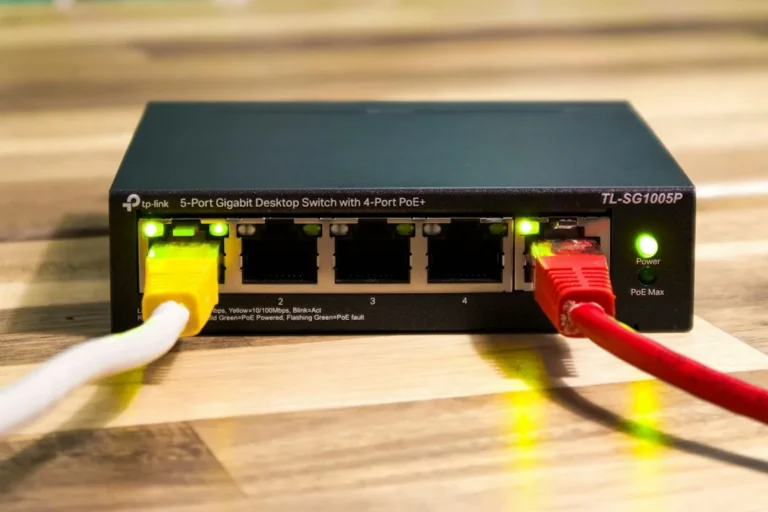
At the core of the debate is how data travels from your client device (PC, console, or streaming box) to your router or switch. Wired connections use insulated copper or fiber optic cables, providing a dedicated, shielded channel for electrical or optical signals.
Conversely, wireless networks broadcast data via electromagnetic radio frequency (RF) waves through open air. This fundamental difference introduces distinct performance profiles:
- Ethernet (Wired): Offers full-duplex communication, zero airtime contention, immunity to local RF interference, and consistently minimal ping times.
- Wi-Fi (Wireless): Operates via half-duplex communication over shared airwaves, making it susceptible to distance attenuation, physical obstructions, and interference from neighboring networks and household appliances.
Why Latency Matters Most for Gaming
In gaming, throughput (bandwidth) is rarely the bottleneck; a standard 25 Mbps connection can easily handle most multiplayer games. Instead, latency (measured in milliseconds, or ms) and packet loss dictate responsiveness.
Latency represents the round-trip time (RTT) it takes for a data packet to travel from your gaming rig to the game server and back. High latency results in noticeable input delay, rubber-banding, and desynchronization. Furthermore, packet loss—dropped data packets caused by interference or network congestion—forces retransmissions, leading to sudden stuttering.
Jitter: The Hidden Enemy
Beyond baseline latency, wireless networks suffer from high jitter, which is the statistical variance in packet arrival times. A stable 30 ms ping is generally playable, but a ping that fluctuates wildly between 15 ms and 250 ms creates an erratic gameplay experience. Ethernet virtually eliminates jitter, delivering a rock-solid connection profile.
Comparing Ethernet Standards
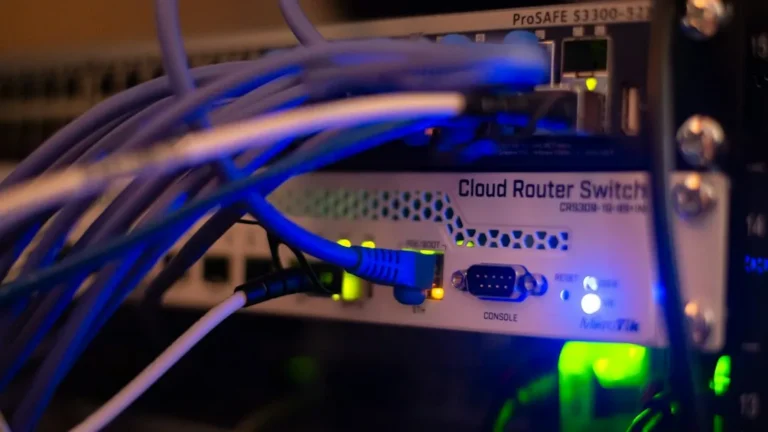
Wired connectivity relies on Twisted-Pair copper cabling categorized by performance standards (TIA/EIA standards). For optimal gaming and streaming, consider the following cable specifications:
- Cat5e: Supports up to 1 Gbps speeds over 100 meters. Adequate for most standard home internet plans.
- Cat6 / Cat6a: Supports up to 10 Gbps and features better internal shielding against crosstalk. Cat6a is heavily shielded, making it ideal for running parallel to electrical lines.
To verify local latency and trace packet routes from a wired setup, network administrators often utilize diagnostic tools via the command line:
ping -t 8.8.8.8
tracert gaming-server-ip.com
When Wi-Fi Makes Sense
Despite the clear victory of wired networks in performance testing, Wi-Fi provides unmatched convenience and device mobility. Modern standards like Wi-Fi 6 (802.11ax) and Wi-Fi 7 (802.11be) introduce features like Orthogonal Frequency-Division Multiple Access (OFDMA) and multi-link operation (MLO) to mitigate latency spikes in congested environments.
For casual gaming, cloud media streaming, and mobile devices, modern Wi-Fi is more than adequate. However, for competitive shooters, fighting games, and real-time strategy titles where every frame counts, physical cabling remains the gold standard.
Frequently Asked Questions
Does Wi-Fi 6 or Wi-Fi 7 eliminate the latency gap with Ethernet?
No. While modern Wi-Fi standards drastically reduce latency compared to older generations and handle multi-device congestion better, they still rely on radio waves broadcast through open space. They cannot overcome the physical laws of interference, physical barriers, and half-duplex airtime sharing inherent to wireless communication.
How much does packet loss affect streaming video?
While video streaming buffers data ahead of time to mask minor network drops, severe packet loss causes video stuttering, drops in resolution, or complete stream freezing. Ethernet ensures a continuous, buffer-free data stream required for 4K and 8K uncompressed media transmission.
Is powerline networking a good alternative to Ethernet?
Powerline adapters transmit network data through your home’s electrical wiring. While they are often better than poor Wi-Fi signals, their performance depends heavily on the age and quality of your home’s electrical grid, often introducing high latency, electrical noise, and unpredictable packet loss compared to a direct Ethernet cable.
Conclusion and Practical Takeaway
When analyzing ethernet vs wifi latency gaming metrics, the empirical data is unequivocal: a direct wired connection provides the lowest latency, zero packet loss, and absolute stability. While wireless technology continues to evolve and satisfies casual use cases effortlessly, competitive gamers and power users should always prioritize a direct Ethernet run to their router or switch. Upgrade your network infrastructure today by running a dedicated Cat6a cable and experience truly uninterrupted performance.
Recommended Hardware for This Setup
Tested, power-efficient gear curated for 24/7 home servers, Docker containers, and local labs.

Intel N100 Mini PC (16GB RAM, 500GB SSD)
Whisper-quiet, ultra-low 6W idle power. The undisputed favorite for 24/7 Docker, Jellyfin hardware transcoding, and Proxmox.
Raspberry Pi 5 (8GB Starter Kit)
Blazing quad-core ARM performance. Ideal for dedicated Pi-hole ad-blocking, WireGuard mesh nodes, and lightweight automation.
Crucial P3 Plus 1TB/2TB PCIe 4.0 NVMe
Up to 5000MB/s speeds. Essential for high-IOPS database operations, Docker container images, and snappy Nextcloud sync.
TP-Link 8-Port Gigabit Switch (TL-SG108)
Silent fanless steel housing, plug-and-play, traffic prioritization (QoS). Essential for wiring up your Home Server, NAS, and Pi with zero Wi-Fi lag.
Disclosure: BriteHacks is reader-supported. When you buy through links on our site or deploy infrastructure, we may earn an affiliate commission at no extra cost to you. As an Amazon Associate, we earn from qualifying purchases.