Modern smart homes have evolved into complex ecosystems. A typical household features everything from high-performance desktop computers and Network-Attached Storage (NAS) devices to untrusted Internet of Things (IoT) gadgets, budget security cameras, and personal smartphones. Historically, local area networks (LANs) relied on a flat architecture where every device connected to the same broadcast domain. While simple to deploy, this design introduces a massive security blind spot: if a single compromised IoT device falls victim to an exploit, attackers gain unhindered lateral movement across your entire digital perimeter.
Implementing vlans home network segmentation security best practices solves this vulnerability by logically dividing a single physical network switch into multiple isolated virtual networks. This comprehensive guide explores how Virtual Local Area Networks operate, why they are essential for modern residential infrastructure, and how to configure them for maximum protection.
Understanding the Fundamentals of VLANs
At its core, a Virtual Local Area Network (VLAN) is a logical grouping of network devices configured by software rather than physical location. Defined by the IEEE 802.1Q standard, VLAN technology works by injecting a small four-byte tag into the Ethernet frame header. Network switches and routers read this tag to determine which traffic belongs to which virtual network.
Flat Networks vs. Segmented Networks
- Flat Network: All devices reside in the same subnet (e.g.,
192.168.1.0/24). Printers, computers, smart bulbs, and guest devices can freely communicate directly at Layer 2 without routing intervention. - Segmented Network: Devices are segregated into dedicated subnets based on trust levels and functional requirements. Traffic between these subnets must pass through a Layer 3 routing device (router or multilayer switch), allowing administrators to enforce strict firewall rules.
Core Use Cases for Home Network Segmentation
Designing an effective home network requires categorizing your connected devices into distinct trust zones. A standard implementation utilizes at least three separate VLANs:
- Trusted VLAN (Primary): Reserved for high-value, fully managed devices such as primary work laptops, personal computers, and administrative endpoints. These devices require full access to local resources like NAS storage and printers.
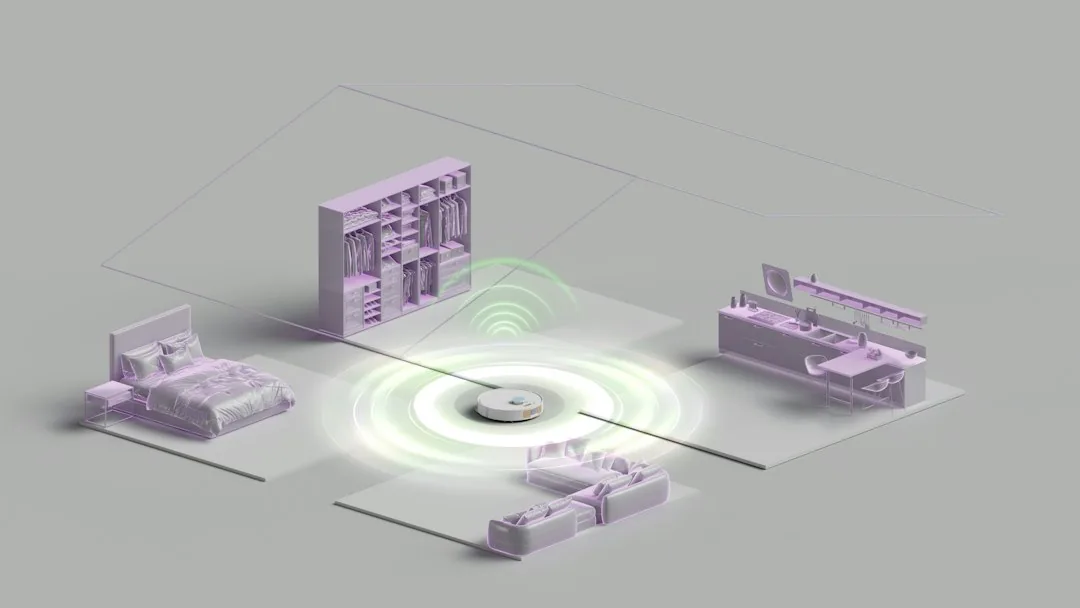
- IoT / Smart Home VLAN: Dedicated to smart plugs, thermostats, streaming boxes, and home automation hubs. Because many IoT devices receive infrequent firmware updates and possess proprietary firmware of unknown provenance, isolating them prevents lateral attacks if a device is compromised.
- Guest VLAN: Isolated strictly for visitors. Devices on this VLAN should have access exclusively to the internet, with all local network communication completely blocked.
Hardware Requirements for Home VLANs
Deploying VLANs requires equipment that supports IEEE 802.1Q trunking and Layer 3 inter-VLAN routing:
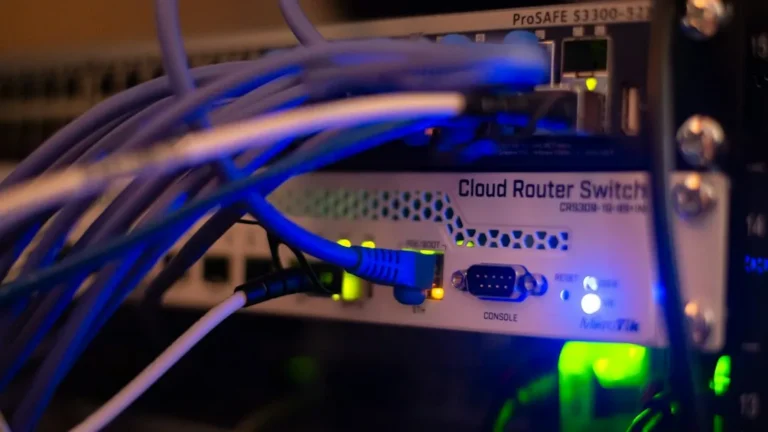
- Managed Switch: An unmanaged switch strips or ignores VLAN tags. You will need at least one managed switch (such as models from Cisco, Ubiquiti, TP-Link Omada, or Netgear ProSafe) to assign ports to specific VLANs and establish trunk ports.
- VLAN-Capable Router or Firewall: Devices running pfSense, OPNSense, or enterprise-grade routing software handle inter-VLAN routing and firewall rule enforcement.
- Access Points (APs): Enterprise or prosumer Wi-Fi access points (such as UniFi, Aruba, or TP-Link Omada) that support multiple SSIDs mapped directly to unique VLAN IDs.
Basic Configuration Workflow
While specific syntax varies by vendor, setting up a secure segmented network generally follows this systematic workflow:
# Example: Configuring an 802.1Q Trunk Port on a Cisco-like CLI Switch
enable
configure terminal
vlan 10
 name TRUSTED_LAN
vlan 20
 name IOT_DEVICES
vlan 30
 name GUEST_NET
interface GigabitEthernet0/1
 description Trunk Port to Router
 switchport mode trunk
 switchport trunk allowed vlan 10,20,30
interface GigabitEthernet0/2
 description Access Port for IoT Hub
 switchport mode access
 switchport access vlan 20
Once the switch ports and SSIDs are tagged with their respective VLAN IDs (e.g., VLAN 20 for IoT), you must configure subinterfaces on your router and write firewall rules. The golden rule of segmentation is simple: Deny by default, permit by exception. Allow your trusted network to initiate connections to the IoT network (for casting or automation control), but strictly block the IoT network from initiating any inbound connections to your trusted devices.
Frequently Asked Questions
Do I need expensive enterprise gear to set up VLANs?
No. While enterprise gear offers advanced features, many consumer-oriented prosumer brands (such as TP-Link Omada, Ubiquiti UniFi, and MikroTik) offer affordable managed switches and routers capable of full 802.1Q tagging suitable for advanced home laboratories and residential networks.
Will implementing VLANs slow down my internet speed?
No. VLAN processing occurs via hardware ASICs on modern managed switches at wire speed. Inter-VLAN routing is handled by your router; as long as your router has adequate CPU performance (which is standard on modern x86 or ARM-based firewalls), you will experience zero latency or throughput degradation.
Can Wi-Fi devices use VLANs?
Yes. Modern wireless access points allow you to broadcast multiple Service Set Identifiers (SSIDs) simultaneously and map each SSID directly to a specific VLAN tag. This allows your mobile devices and laptops to automatically connect to the correct segment based on which Wi-Fi network they join.
Conclusion
Implementing VLAN-based home network segmentation is one of the most effective steps you can take to harden your residential cybersecurity posture. By moving away from fragile flat networks and isolating untrusted smart devices, you dramatically reduce your attack surface and protect your personal data from lateral threats. Take the first step today by auditing your connected hardware, mapping out your trust zones, and upgrading your network edge with a managed switch and a capable firewall.
Recommended Hardware for This Setup
Tested, power-efficient gear curated for 24/7 home servers, Docker containers, and local labs.

Intel N100 Mini PC (16GB RAM, 500GB SSD)
Whisper-quiet, ultra-low 6W idle power. The undisputed favorite for 24/7 Docker, Jellyfin hardware transcoding, and Proxmox.
Raspberry Pi 5 (8GB Starter Kit)
Blazing quad-core ARM performance. Ideal for dedicated Pi-hole ad-blocking, WireGuard mesh nodes, and lightweight automation.
Crucial P3 Plus 1TB/2TB PCIe 4.0 NVMe
Up to 5000MB/s speeds. Essential for high-IOPS database operations, Docker container images, and snappy Nextcloud sync.
TP-Link 8-Port Gigabit Switch (TL-SG108)
Silent fanless steel housing, plug-and-play, traffic prioritization (QoS). Essential for wiring up your Home Server, NAS, and Pi with zero Wi-Fi lag.
Disclosure: BriteHacks is reader-supported. When you buy through links on our site or deploy infrastructure, we may earn an affiliate commission at no extra cost to you. As an Amazon Associate, we earn from qualifying purchases.